
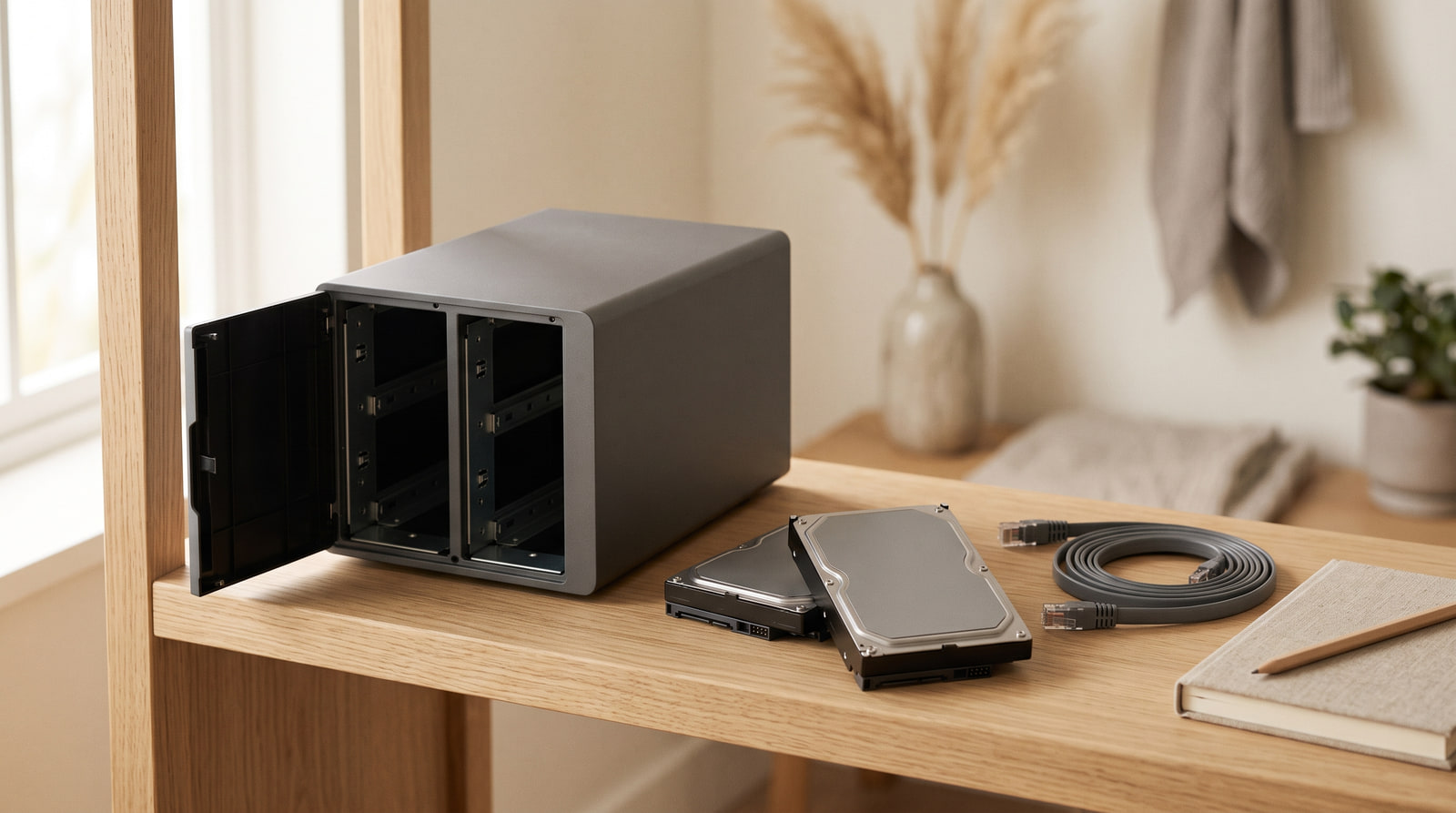
I have owned three of these. The first one I bought because a forum told me to, and it sat in a cupboard for eleven months doing a job an external drive was already doing better and more quietly. The second one earned its shelf. The third is the one I would put in your house, and it is smaller and duller than the first two, which is how you know I have learned something.
Here is the sentence the boxes do not print. A NAS is not a hard drive. It is a computer. It boots, it updates, it runs services, it holds firm opinions about its own filesystem, and it does all of that permanently, at three in the morning, on your electricity. People go shopping for storage and come home with a small server. That gap is where my eleven months in the cupboard came from, and it is the whole reason for this article.
What it is, once you take the marketing off
Network Attached Storage. A box holding one or more drives that plugs into your router rather than into your computer. Because it lives on the network instead of on a desk, every device in the house can reach it at the same time, without anybody unplugging anything from anywhere.
That phrase — at the same time — is the entire product. If it does not describe a problem you actually have, everything below is going to keep telling you not to buy one, and you should listen.
The three jobs it genuinely does better
One library, reachable from everything
Photographs, video, music, documents, in one place that the laptop, the phone, the television and your mother's computer can all open. Not a copy on each machine, drifting apart quietly for years until nobody can say which folder is the real one. One library. This is the job it is actually for.
A backup target that is always awake
An external drive backs up your machine on the days somebody remembers to plug it in, which is fewer days than anybody admits. A NAS is simply always there, so the computers back themselves up on their own schedule and nobody has to be reminded of anything. Automatic beats diligent. It always has.
Things that must run while you sleep
A media library the television talks to, doorbell or camera footage landing somewhere permanent, long downloads that finish overnight. These need a machine that never turns off. You either have such a machine or you leave a laptop open on a chair, which I have also done, and which I do not recommend to the laptop.
Who should not buy one
Four households, and I have been three of them
Five questions, answered before you spend anything
Answer these out loud, in order. Four honest answers out of five and you have a case. Fewer than that and what you have is an enthusiasm, and enthusiasms belong in a cupboard for eleven months.
Look at the actual number today, then at what it was two years ago. That slope, not your ambition, is the size you buy for. Plan for roughly three years, which for most homes means about double what you are using now.
One person with one laptop almost never needs the network part, which is the only part you are paying extra for. Three or more people reaching the same library is where "at the same time" starts earning its money.
Cameras, a media library, overnight transfers. If yes, the case is essentially made. If nothing at all needs to run overnight, you are buying a computer to do a drive's job.
It is always on, it makes a small constant noise, it gives off heat, and it wants a wire to the router rather than Wi-Fi. Point at the shelf now. A hallway cupboard is ideal. A bedroom is a decision you will reverse.
Something will stop — a drive, an update, a setting somebody changed. If the honest answer is that nobody in the house will do that, the honest decision is not to buy one, and there is no shame in it.
What to actually buy
Two bays, not four. Two-bay units cover almost every household buying a first one, and four-bay units are bought far more often than they are ever filled. The money you save on empty bays belongs in larger drives, because capacity is the thing you genuinely run out of.
Drives bought separately, and deliberately not identical. Buy drives rated for continuous operation — they are built to spin permanently, which is what you are about to ask of them. Two drives from the same batch bought the same afternoon tend to fail around the same time, so buy them a few weeks apart or from different sellers. Roughly double the capacity you use today.
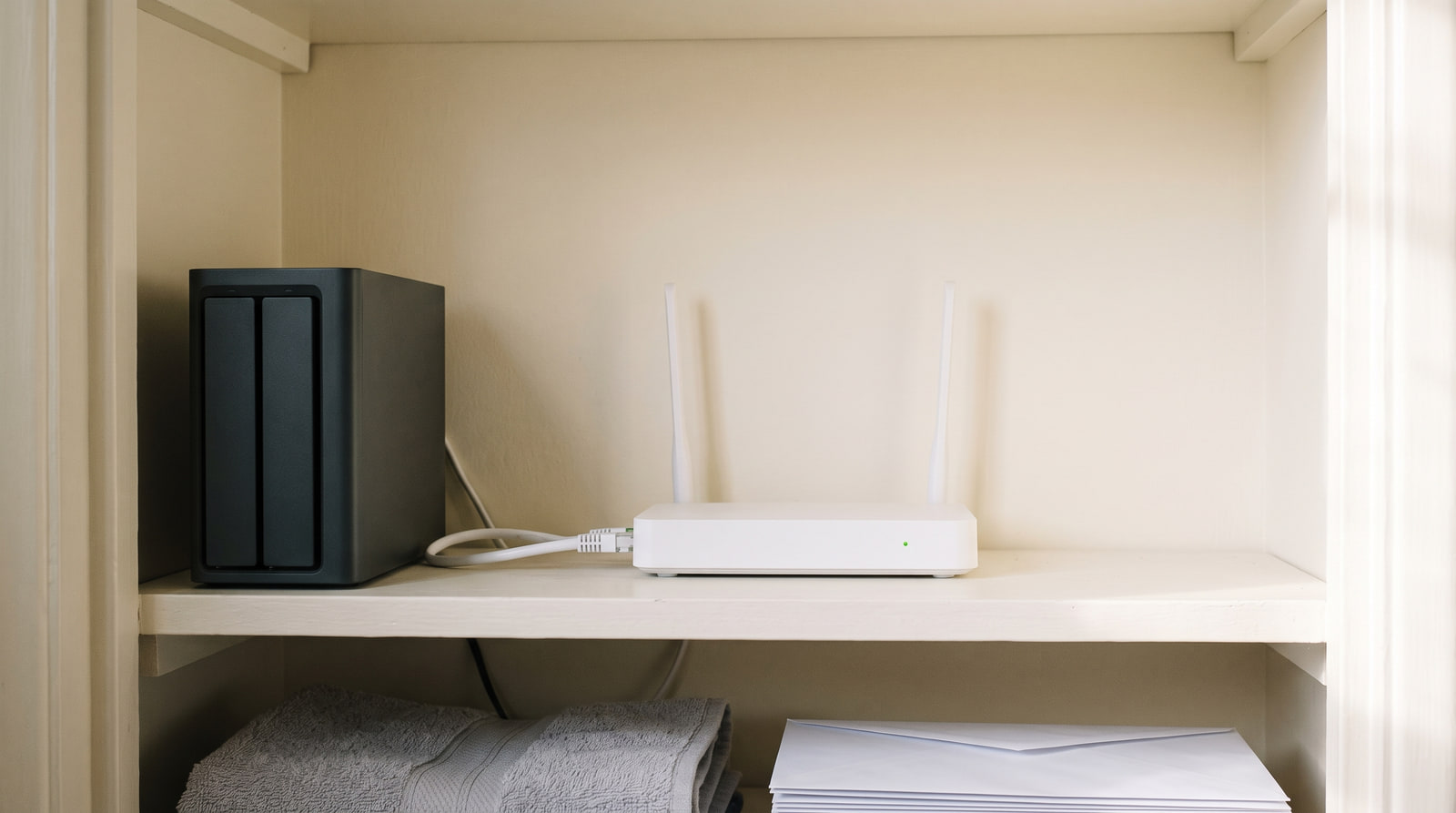
Then wire it. Put it next to the router on a short cable. A NAS on Wi-Fi is a slow NAS, and a slow library is a library nobody opens.
Two bays. Two drives rated for continuous running, bought separately so they do not age as twins. Mirror them, so one dying costs you a drive rather than the library. Wire it to the router, put it somewhere with air and no bedrooms, and switch automatic updates on before you copy a single file across. And hold on to this even while the thing is humming happily: mirrored or not, it is still one copy, in one room, in one house. Compare two-bay NAS enclosures
Some links on this page are affiliate links. If you buy through them, HowTo: Tech Edition earns a commission at no extra cost to you. It does not change the rule above, and it does not change my advice that most people reading this should buy an external drive instead.
The thing it is not, and this is the part people learn late
A mirrored NAS protects you against a drive dying. That is a real and worthwhile thing, and it is much smaller than people believe it is.
It does not protect you against deleting a folder, because the deletion is written faithfully to both drives in the same instant. It does not protect you against ransomware, because a permanently connected machine is a permanently reachable one. And it does not protect you against the room — the fire, the flood, the pipe upstairs, the person who takes the box.
A NAS is one copy, on one kind of storage, in one building. It is an excellent second copy and it is never the third. If that sentence is new to you, read The 3-2-1 Backup You'll Actually Maintain before you spend anything here, because it is the argument that comes first and this article only makes sense downstream of it.
The first week, which decides the next five years
Reserve a fixed address for it on the router, so it stops moving around and you stop hunting for it. Turn on automatic updates immediately. Do not open it to the internet from outside the house on day one, whatever the setup wizard cheerfully offers you — that is a door, and doors want thinking about. Set each computer's backup to run to it on its own schedule.
Then, at the end of the first week, take one real file off it and open it properly. Not preview it. Open it, and check the contents are the contents. Everything above this line is shopping. That last part is the only bit that proves anything.
Tested on a two-bay box on the shelf above the boiler, two drives bought eight weeks apart on purpose, mirrored, wired to the router with the shortest cable in the house. It has been running for two years and it has never once been the only copy of anything.