
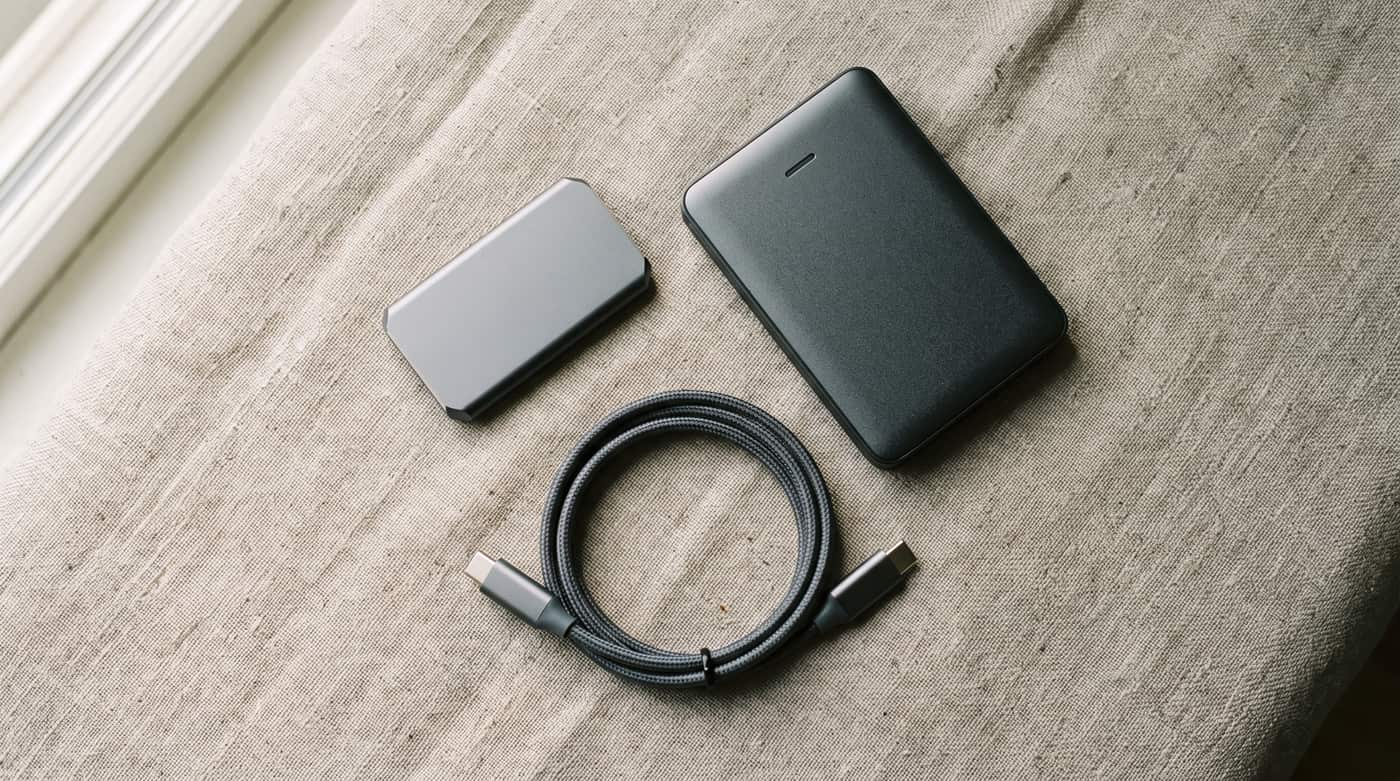
I have lost everything twice. The first time it was a hard drive that made a noise I still recognise in my sleep. The second time it was a folder I deleted myself, cleanly, on purpose, on a Tuesday, and then watched sync itself out of existence on every other machine I owned in about ninety seconds.
The second one is the important one. Everybody plans for the drive that dies. Almost nobody plans for the mistake that gets copied faithfully everywhere at the speed of light.
The rule, which is older than my parents
Three copies of anything you care about. On two different kinds of storage. One of them somewhere else. That is the whole rule. It was written for photographers working with film, it has survived every change in technology since, and that should tell you something about how much of this is really about technology.
Read it as three separate questions rather than one instruction.
What each number is protecting you from
- Three copies — protects against a copy failing. Not two. The moment one dies you are down to a single copy and living on nerve until you replace it.
- Two kinds of storage — protects against a whole category failing at once. Two drives from the same batch, bought on the same day, are not two kinds. A drive and a service are.
- One somewhere else — protects against the room. Fire, flood, burglary and the pipe upstairs do not care how many drives are in the drawer.
The modern amendment adds two more digits: one copy kept offline, and zero errors when you test it. The offline copy is your ransomware insurance, because anything permanently connected can be encrypted alongside the original. The zero is the part of this article people will skip, and I will come back to it.
Your cloud folder is not a backup, and I am sorry
Sync services copy your mistakes. That is their entire job and they do it beautifully. Delete a folder on the laptop and it obediently vanishes from the phone, the desktop and the web. Most of them keep deleted files and older versions for thirty days or so, which is a genuine safety net and is still not a backup, because it expires, and because the thing you eventually need is usually something you deleted eight months ago and only just missed.
Sync is for having your files everywhere. Backup is for having your files as they were. You want both, and they are not each other.
The version a person will actually keep running
Every backup plan fails in the same place: the part that depends on you remembering. So the plan has to be automatic where it can be, and stupidly simple where it cannot.
Copy one is the original, on your machine. Copy two is an external drive that your computer backs itself up to on its own, using the tool already built into your operating system, which has been entirely sufficient for years. Copy three is off-site, which for most people means either a paid backup service running quietly in the background, or a second external drive that lives at a relative’s house and gets swapped every few months.
That second drive is the unglamorous hero of this article. It is offline between swaps, which makes it the ransomware copy, and it is off-site, which makes it the fire copy. It does two jobs and it costs the price of a drive.
Encrypt both of them. It is a checkbox on either operating system. A backup drive is a complete copy of your life inside a pocket-sized object specifically designed to be carried around, which is a sentence worth reading a second time.
For the drive that lives on the desk and runs every day, a solid-state drive earns its money: silent, unbothered by being knocked, and fast enough that the backup finishes before you have thought about it. For the copy that sits in a drawer at your aunt’s house for six months at a time, a conventional spinning drive is the traditional choice and costs far less per terabyte. Buy roughly twice the capacity you currently use, because versions take room. Look at external SSDs
Some links on this page are affiliate links. If you buy through them, HowTo: Tech Edition earns a commission at no extra cost to you. It does not change the restore test below, which is the only part of this that proves anything.
The restore test, which is the whole article
A backup you have never restored from is not a backup. It is a belief. I say this as somebody who discovered, at the worst possible moment, that a year of dutiful backups had been quietly excluding the one folder that mattered because of a box I ticked once and forgot.
-
Pick a real file from a few months ago. Not a test file you made this morning. Something you would genuinely mind losing.
-
Restore it from each copy in turn, the local drive and then the off-site one, and open it. Not preview it. Open it, and check that the contents are the contents.
-
Write the date on a note taped to the drive, and do it again in six months. If a copy cannot be restored from, that copy does not exist — and you have found that out on a quiet afternoon rather than on the worst day of your year.
What actually needs protecting
You do not need three copies of everything. Applications reinstall. Films re-download. Keep the list short enough to fit on a drive you can afford: photographs and video, documents and anything with your name on it, the folder of things you have made, and the boring administrative pile — scans, records, and the file of passwords or recovery codes that will otherwise lock you out of the very service you were relying on to save you.
Everything else is convenience, and convenience is allowed to be lost.
And if the reason you are reading this is that something has already gone, start somewhere else, because recovery is a different job on a much shorter clock: How to Recover Deleted Photos From Your iPhone.
Tested on my mom’s 2019 laptop, which I am keeping alive out of respect, and which now backs itself up to a drive on the shelf without her doing anything at all, because a plan that requires her to remember is not a plan.