
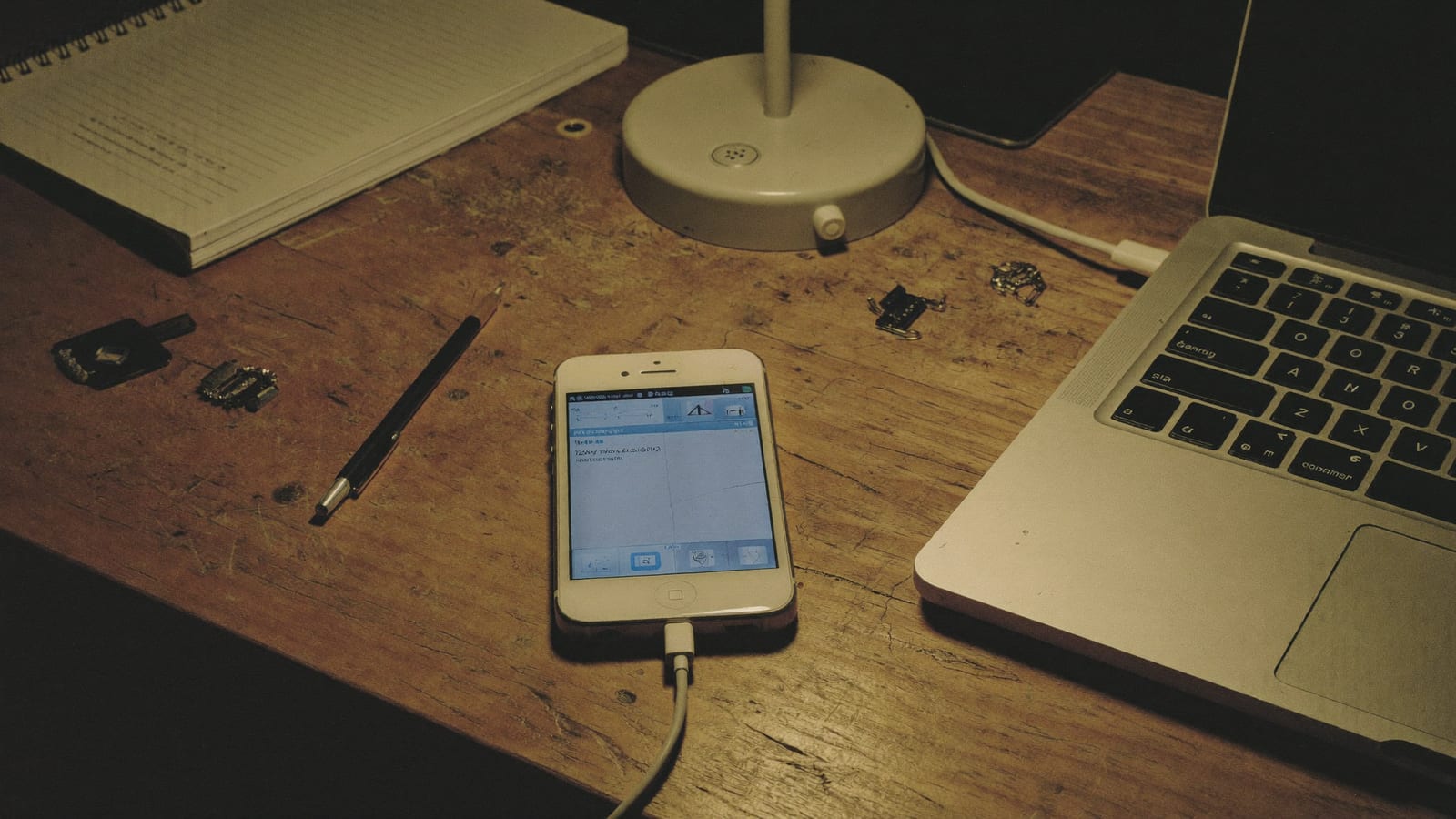
Sit down. Before you do anything else, stop taking new photos and stop letting the phone do much of anything. I will explain why in a minute, but the short version is that a deleted photo is not gone the way you think it is gone — it is more like a library book that got checked back in. It is still on the shelf until somebody reshelves something on top of it. Every new photo you take is somebody reshelving. So. Phone down. Now we work.
I have seen this exact mistake before. Twice, usually. The first time is the delete. The second time is the person, in a panic, opening the camera to “check if it still works.” Do not be the second time.
There are four ways to get a deleted photo back off an iPhone. Three of them are free. Try them in this order.
-
Check Recently Deleted — it is usually right here
Apple thought of this back when they still made software like they meant it. A deleted photo does not leave; it goes to a holding pen called Recently Deleted and sits there for thirty days before the phone actually lets it go.
Open Photos, tap Albums, scroll to the very bottom to Utilities, and open Recently Deleted. On any recent iPhone it is locked behind Face ID or your passcode now — a good change I will not complain about. Find your photo, tap it, tap Recover. Most people who come to me in a panic never needed me at all. The photo was waiting out its thirty days the whole time.
-
Look in iCloud — and know there are two kinds
Two different things share the word iCloud, and people mix them up. If you had iCloud Photos turned on, your library syncs across everything — so check Recently Deleted on your iPad or at iCloud.com too; sometimes the photo is sitting in another device's version of that album.
The iCloud backup is the other thing: a nightly snapshot of the whole phone. Restoring it can reach photos that predate the backup — but I will not hide the cost from you: it wipes the phone back to that snapshot and you lose everything since. Only make that trade for a photo worth more than everything else on the device.
-
Restore the computer backup you forgot you made
If you have ever plugged this phone into a Mac or PC and clicked “Back Up Now,” there may be a full backup sitting on that computer right now, and you forgot, because everyone forgets.
On a Mac, open Finder and click the phone in the sidebar. On Windows, open the Apple Devices app (or iTunes on older setups). A computer backup is often bigger and older than iCloud's, so it reaches further back — but the same overwrite warning applies, twice as loud. Weigh it the same way.
-
When the free ways fail, use recovery software
If Recently Deleted is empty and there is no backup anywhere, the free tools are out of moves. The photo is one of those library books with something reshelved on top of it. Not always gone — but past what Apple will hand back to you politely.
This is what data-recovery software is for. It scans the phone's storage, or an old backup file, for the pieces of photos the system stopped tracking. I will be honest the way I am always honest: it does not always work, and anyone who promises it always works is selling you something. The tool I keep on my mom's laptop for this is Tenorshare UltData — it reads iPhone storage and old backups without wiping the phone, which is the whole point, because by now you have suffered enough overwriting. Free preview first: you see whether it can find the photo before you spend a cent.
That last link is an affiliate link. If you buy through it, this edition may earn a small commission — it costs you nothing extra, and it does not change which tool I would actually put on my mom's laptop.
The part nobody wants to hear
Every photo I have ever gotten back came back because of a backup. Every one. The recovery software is the ambulance; the backup is the seatbelt. So when this is over — when you have your photo, or when you have made your peace — do the thing that means we never have this conversation again.
- Turn on iCloud Photos now, before the next thing gets deleted. The grace period only helps if the sync was on before the accident.
- Empty Recently Deleted yourself on purpose, never in a panic — panicking is how the thirty-day clock gets skipped.
- If the phone is physically broken but still powers on, recovery software reading it directly is often your last real shot. If it will not power on at all, that is a different, harder problem.
It costs you a few dollars a month or four minutes a month. I have buried a lot of things that did not have a backup. I would rather not bury yours.
One line, no links, and I mean it: if the phone holds the only copy of something that matters more than the phone itself — legal, medical, a person who is gone — stop doing steps out of panic and take it to a professional recovery service before an overwrite makes their job impossible.