
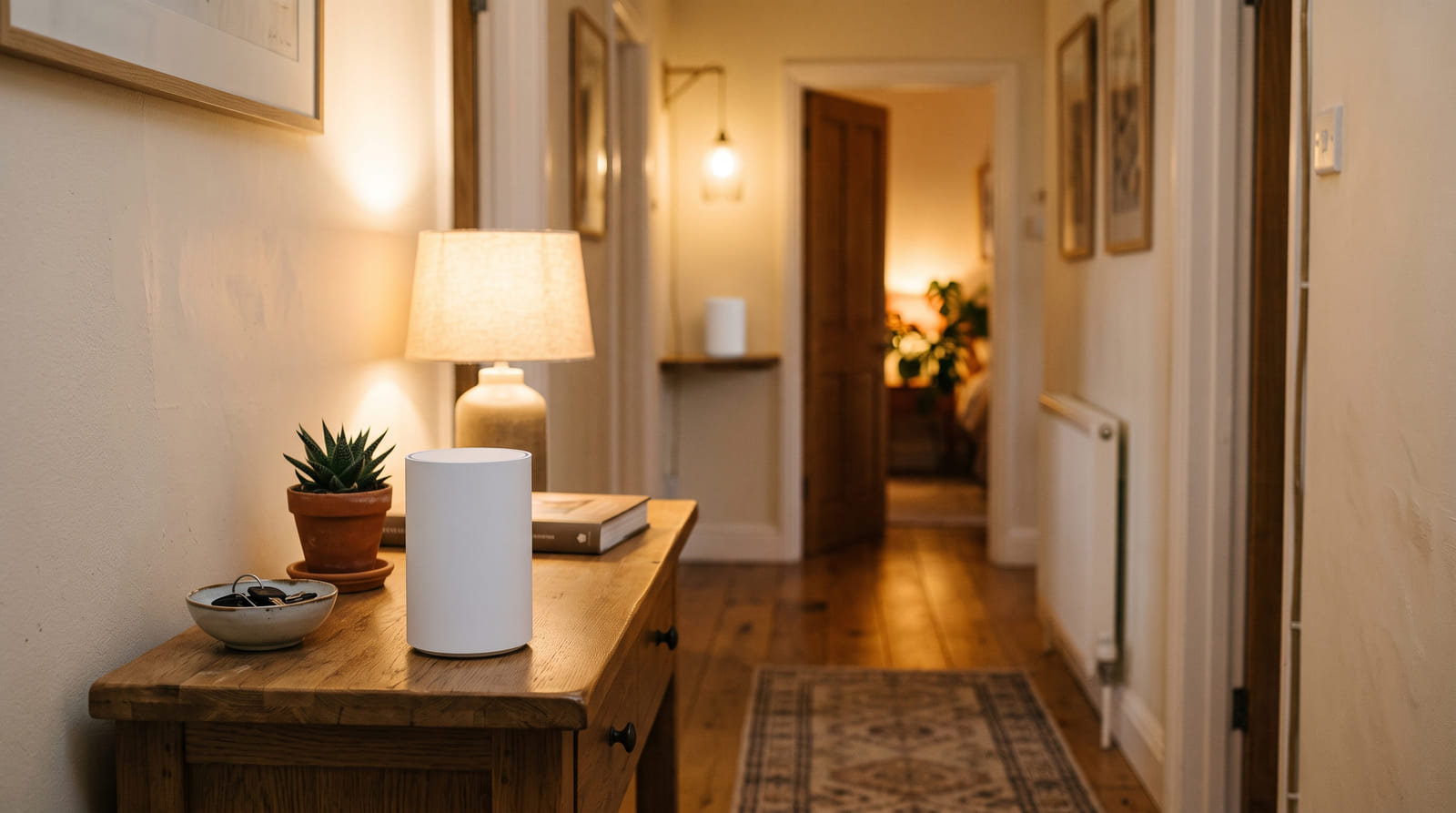
There is one room. There is always one room. In this house it is the back bedroom, and for two years the official family position was that the internet was broken. The internet was not broken. The internet was in the front hall, in a cupboard, behind a coat.
I am going to talk you out of buying something before I talk you into it, because most dead rooms are cured for nothing, and the people selling mesh systems are not going to lead with that.
Three free experiments, in this order
-
Move the router.
Out of the cupboard. Off the floor. Away from the metal filing cabinet, the fish tank, the mirror and the boiler. Central and high beats tucked and hidden every single time, because the signal leaves in a rough sphere and half of yours is currently warming a wall. A longer cable from the socket costs about as much as a sandwich.
-
Measure standing next to the router first.
That number is your ceiling. If the line delivers eighty megabits, no mesh system ever made will produce three hundred in the back bedroom, and knowing this now saves a return trip and an argument later.
-
Then measure in the dead room, twice.
Once with the phone held high, once held low, and write both numbers down. Eighty dropping to five is a coverage problem. Eighty dropping to forty-five while everything still stutters is a congestion or interference problem, and a second box will not fix it.
What is actually stopping it
Wi-Fi is a radio, and radios lose to physics in ways that are entirely predictable once somebody bothers to tell you.
In descending order of what it costs you
- Distance, but not evenly. The higher frequencies fall away much faster, so your 5GHz band can be excellent in the hall and effectively absent two rooms later, while the slower 2.4GHz band still limps through.
- Walls, unequally. Plasterboard costs you a little. Brick, stone and concrete cost a great deal. Foil-backed insulation, the wire mesh inside old plaster, tiled bathrooms and large mirrors behave very nearly like solid walls as far as the radio is concerned.
- Floors, badly. A signal crossing a floor at an angle passes through far more material than the floor is thick. This is why the room directly above a router is often fine and the room diagonally above it is not.
- Neighbours, on 2.4GHz especially. In a terrace or a block of flats you are sharing the air with everybody, and only three of the 2.4GHz channels do not overlap — one, six and eleven — so that is where everybody piles in.
- The one ancient device. Something old clinging to the slowest possible connection can hold a whole band back. If a thing on your network was manufactured before I was born, consider retiring it. I say that with love. I have retired several.
Extender, mesh, or a wire
Now we can spend money sensibly, and there are only three answers.
A cheap extender repeats your signal using the same radio it received it on, which means everything passing through it runs at roughly half speed, and it usually creates a second network name you have to join manually. It is not nothing — half a connection beats no connection in a spare room where somebody reads email once a week. It is a patch, and it should cost patch money.
A mesh system is two or three units sharing one network name and handing your phone between them as you walk. The good ones keep a separate radio purely for talking to each other, so your traffic is not competing with their conversation. This is what most homes actually want, and the honest reason it beats an extender is not intelligence. It is the extra radio.
A wire beats both, and it is the answer nobody wants to hear. If you can run an ethernet cable to wherever the second unit will live — through a floor void, along a skirting board, stapled behind furniture, whatever your household will tolerate — that unit stops repeating and starts serving. Every mesh system worth buying supports this, usually under a name like wired backhaul. It is the single biggest upgrade available and it costs about twenty dollars of cable.
If a cable is genuinely impossible, adaptors that reuse your existing television coaxial cabling are the next best thing, and powerline adaptors through the electrical wiring are the one after that. Both are real, occasionally excellent, and completely at the mercy of how your house was wired and which circuit each socket sits on. Test them inside the return window.
If the free experiments have not fixed it, buy two or three units of the same current-generation system rather than one expensive router, and check the specification for a dedicated backhaul radio and an ethernet port on every unit. The port is what lets you wire it later even if you cannot wire it today, and it is the difference between a purchase that ages well and one that does not. Compare mesh Wi-Fi systems
Some links on this page are affiliate links. If you buy through them, HowTo: Tech Edition earns a commission at no extra cost to you. It does not change the placement rule below, which is the part that decides whether the money does anything at all.
Where the second unit goes. This is where everybody fails.
Read this part twice. The second unit does not go in the dead room.
A node can only pass on a signal as good as the one it receives. Put it in the dead room and it will faithfully rebroadcast a terrible connection, and you will have bought a stronger bar on your phone and no more speed, which is somehow the most annoying possible outcome.
The rule
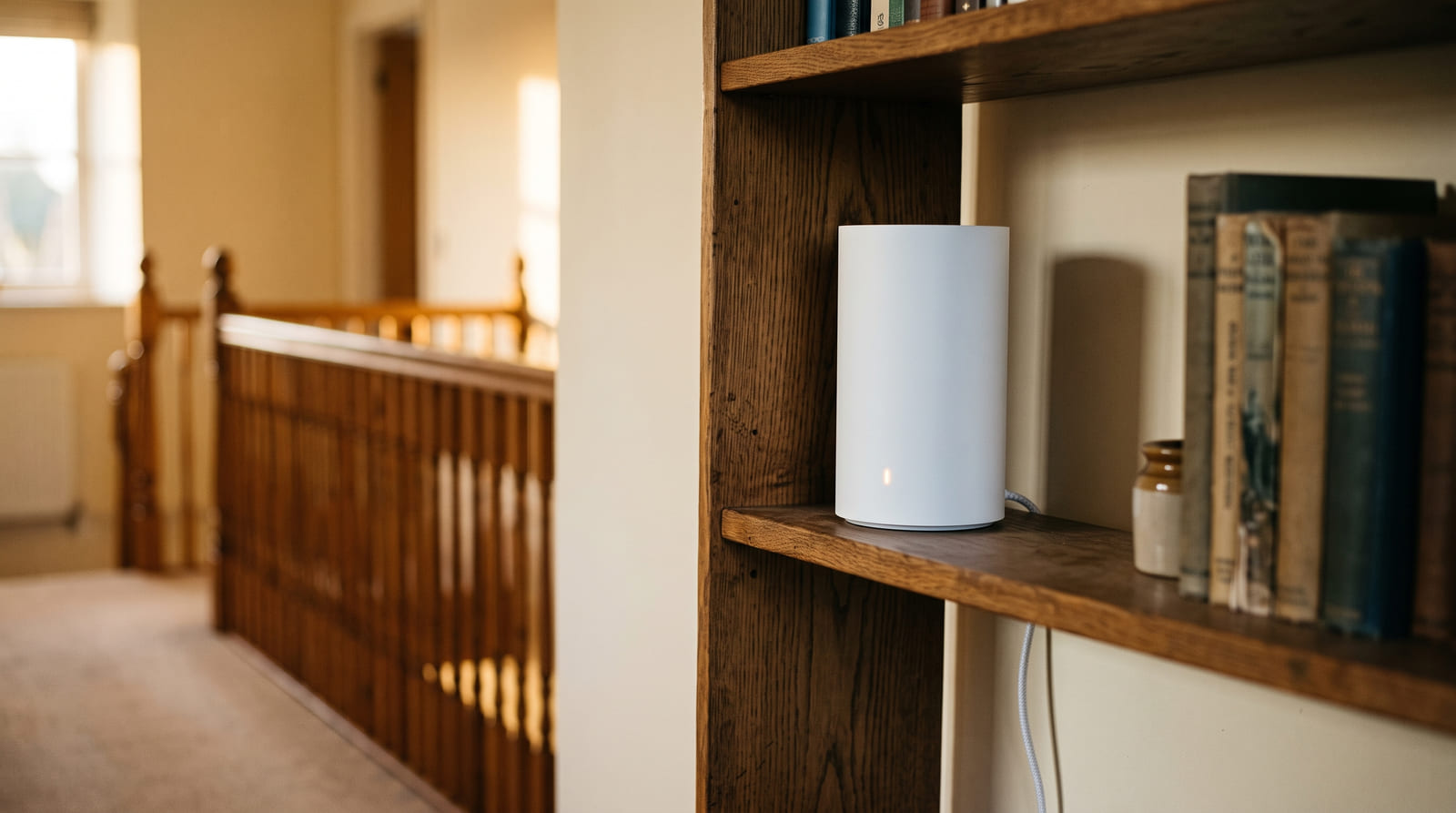
- Place it roughly two thirds of the way from the router towards the dead room, at the last point where the signal is still genuinely good. In practice this always feels too close to the router. Put it there anyway.
- Waist height or above. On a shelf. Not on the floor, not inside a media cabinet, not behind the television.
- Prefer a straight line through a doorway over a shorter line through a chimney breast. The radio does not care about your floor plan, only about what is standing between the two boxes.
- Two units cover most homes and three cover most awkward ones. Every extra wireless hop costs speed, so more units is not more internet: a badly placed third is slower than a well placed second.
Four settings, changed once, then left alone
- One network name for every band and every unit. Let the system steer your devices. Separate names for 2.4 and 5 were sound advice a decade ago and they now stop roaming from working properly.
- Turn on automatic firmware updates. This is the only maintenance any of this needs, and it is the one people skip.
- If the app offers a channel scan, run it once after everything is placed, then stop. Rescanning every week is fiddling, not tuning.
- Give the important stationary things a wire if one will reach — the television, the console, the desktop. Every device you take off the air makes the air better for the ones that cannot leave it.
When mesh will not save you
If the speed beside the router is already poor, the problem is the line rather than the house, and the answer is a phone call to your provider rather than a box. If everything falls apart at the same time every evening, that is congestion, either in your street or on your 2.4GHz band. If one particular device is miserable while everything else is content, the device is the problem, and you should start with its own network settings and its own age.
And if the router is still in the cupboard behind the coat, none of the rest of this will help you. I say that with the weariness of somebody who has moved eleven routers. I am ten years old. Move the router.
Tested on the back bedroom of this house, which went from five megabits to fifty-one the day the router left the cupboard, and to sixty-eight when the second unit went on the landing shelf instead of in the bedroom, where I had originally, wrongly, put it.