
I saved for a graphics card once. Three months of allowance, plus a birthday, plus a lawn I regret. By the time I had the money the card I wanted had been replaced by a newer card, and the newer card cost more than the money, and this is how the graphics card market keeps its figure — it simply waits for you.
So I bought used. I have bought used since. I have also been sold a card by a man who described it as “barely used” while the fan bearings sang like a kettle, and I paid for that education so you do not have to.
Here is the thing nobody says plainly: a graphics card is not a banana. It does not slowly go off. It is a circuit board that either works correctly or does not, and the parts most likely to fail are the parts you can replace for the price of lunch. Age alone is not the enemy. Ignorance is.
First, know what actually kills one
People inspect used cards for scratches. Scratches have never harmed a frame rate in the history of computing. Here is the real hierarchy.
What fails, and whether you should care
- Fans — the most common failure by a wide margin. Replaceable, often under $20, twenty minutes with a screwdriver. Not a dealbreaker; a bargaining chip.
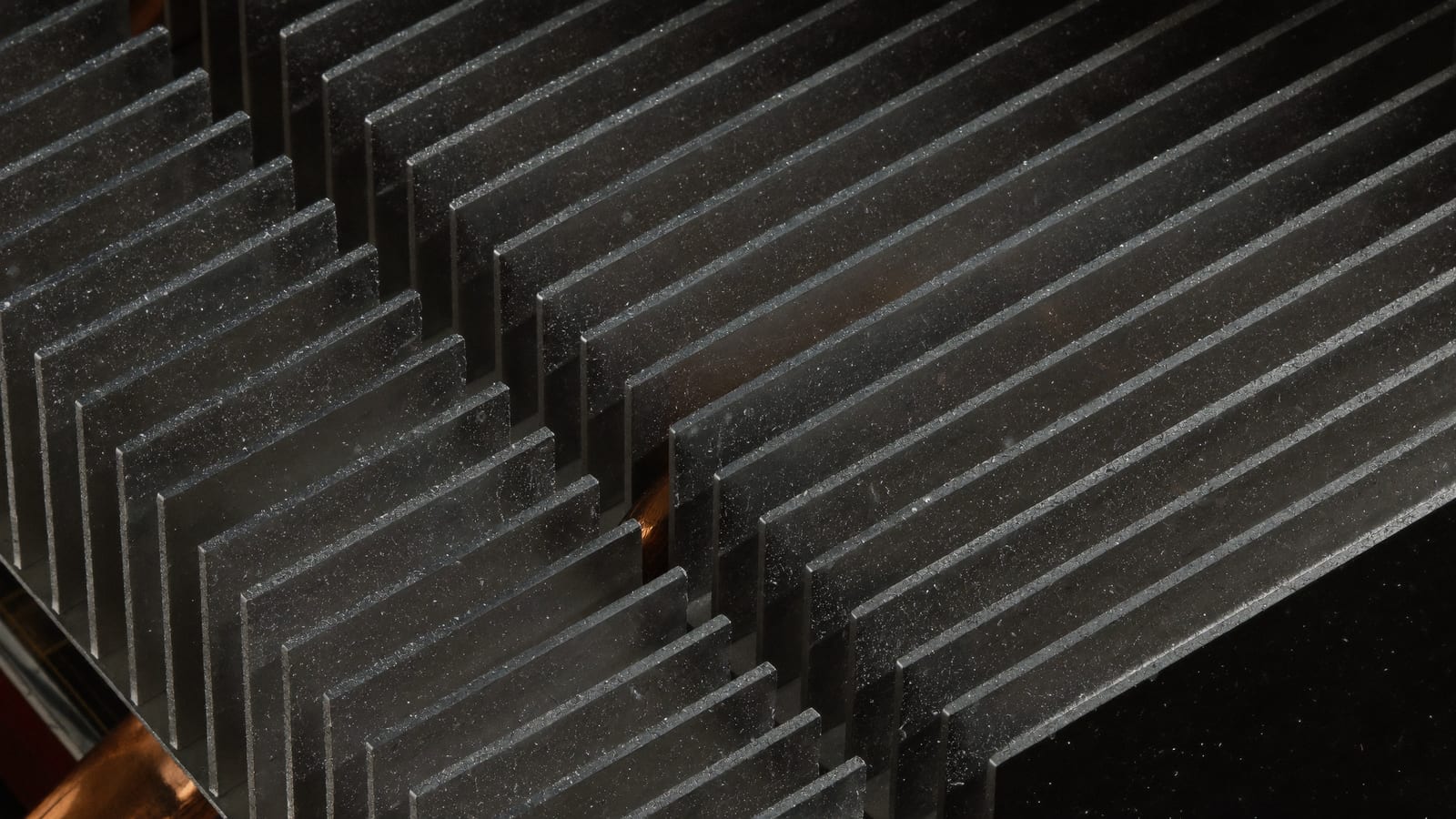
- Thermal paste and thermal pads — dry out over three to five years. Serviceable at home for about $15. Causes high temperatures, not death.
- Voltage regulation (the VRM) — if it fails, the card is finished. Usually shows as crashes under load, sometimes as a scorch mark.
- Video memory (VRAM) — degraded memory is fatal and sneaky. It looks like artefacts, driver crashes, and black screens under load.
So: dust is nothing. Worn fans are a discount. Instability under load is a refusal.
The mining question, answered honestly
You will be told mining cards are ruined. You will also be told mining cards are perfect because they ran at a constant temperature. Both of these are sales pitches.
The truthful version: constant load at a steady temperature is genuinely gentler on the silicon than a card that heats and cools violently forty times a day, and most mining was done undervolted, which is gentler still. But those fans ran continuously for months or years, the thermal pads have cooked, and — the part that matters — you have no way to verify any of it from a listing.
So price it as what it is: a card that needs new thermal pads and possibly new fans, from a seller who cannot prove its history. That is not a scandal. It is a number, and the number should be lower.
The eight photographs a good listing has
If a listing has stock images, it is not a listing, it is a hope. Ask for these. A seller who will not send them has told you something.
Ask for photographs of:
- The actual card, both sides, in the seller's own hands or on their own desk.
- The PCIe gold contact fingers — they should be clean and straight. Corrosion or bending is a walk-away.
- The power connector area, up close. Any browning, melting, or discolouration ends the conversation.
- The PCB viewed edge-on, to check for warping from years of sag in a case.
- The screws on the backplate, to see whether it has been opened. Opened is not disqualifying — undisclosed is.
- The fans, all of them, so you can see whether one is a mismatched replacement.
- The serial number sticker, intact. Some manufacturers transfer remaining warranty; a scratched-off serial is a story.
- The card installed in a running machine with a system information window open beside it, showing the model and memory.
That last one is the one that separates a real seller from a reseller. It proves the card powers on, is recognised correctly, and reports the memory it claims.
The fake card problem, and the one number that exposes it
There is a small industry in relabelled cards: an older, weaker chip given a new sticker and a modified BIOS so it reports itself as something more expensive. The photographs look right because the shroud is right.
The tell is the memory bus width. Every genuine card has a specific memory bus and a specific memory capacity, and a relabelled card almost never gets both right, because those are physically determined by the chip and the board rather than by the label. Look up the model's real specification, then compare it against what the card reports on arrival. If the bus width is narrower than the specification, you are holding a costume.
Price it against completed sales, not against hope
Asking prices are fiction. Sold prices are data. Filter for completed listings of the exact model and look at what people actually paid in the last few weeks, then read the spread — the cheap end is usually a card with a problem, and the expensive end is usually a seller who has not checked recently.
As a rough anchor: a card two generations old in verified working condition tends to be fair value around half to two-thirds of what the current equivalent-performance new card costs. If the discount is thinner than about a quarter off, buy new and take the warranty. That is the whole judgment.
The used market's one real advantage is that its prices are public. Filtering eBay's completed and sold listings for your exact model — not the active listings, the finished ones — gives you the only honest number in this process, and it takes about ninety seconds. Check completed sales for the card you want
Some links on this page are affiliate links. If you buy through them, HowTo: Tech Edition earns a commission at no extra cost to you. It does not change the testing sequence above, and it does not make a card with memory errors worth keeping.
Twenty minutes on arrival, while you can still send it back
Do this the day it arrives. Every marketplace has a return window and it is shorter than your enthusiasm.
The arrival test, in order
-
Install it and confirm the operating system identifies the correct model. Check the reported memory capacity and bus width against the real specification.
-
Run a video memory test until it has covered the full capacity at least once. Any errors at all: stop, return it. Memory errors do not improve.
-
Load it hard for thirty minutes and watch temperatures. Under about 80°C on the core is comfortable; a card that climbs and then drops its clocks sharply is throttling, which usually means dried paste rather than a dead card.
-
Listen. A healthy fan is airflow. A failing bearing is a rattle or a whine that changes pitch with speed.
-
Test every display output on the card, not just the one you use. A dead port is a hint about the board.
-
Watch for artefacts — flickering textures, coloured speckles, stray geometry. That is memory or core, and neither is repairable at home.
If it passes all six, you have bought well. Put the thermal paste on your list for next spring and forget about it until then.
When not to buy used at all
I am supposed to be the used-market evangelist here, so hear me on the exceptions. Buy new if you need a warranty you can actually call, if the machine lives somewhere you cannot easily service it, if silence matters more to you than money, or if the used discount has narrowed to almost nothing — which happens, in the months right after a new generation launches and everyone panics in the wrong direction.
The used market rewards patience and punishes urgency. If you need a card this weekend, you will pay for the urgency. It is fine. Just know that is what you are buying.
Tested on the card I bought from the man with the singing fans, which is still running today with $18 of replacement fans in it and a note taped to the case listing the date I repasted it.